SECTION OVERVIEW
Orders from Messenger, in one place
A seller working out of Facebook Messenger does not really have an order system. They have conversations — often hundreds of them, scrolling past one another, each holding a name, an address, a list of items and a promise about when it will arrive. The order exists only inside the thread, and the thread keeps moving.
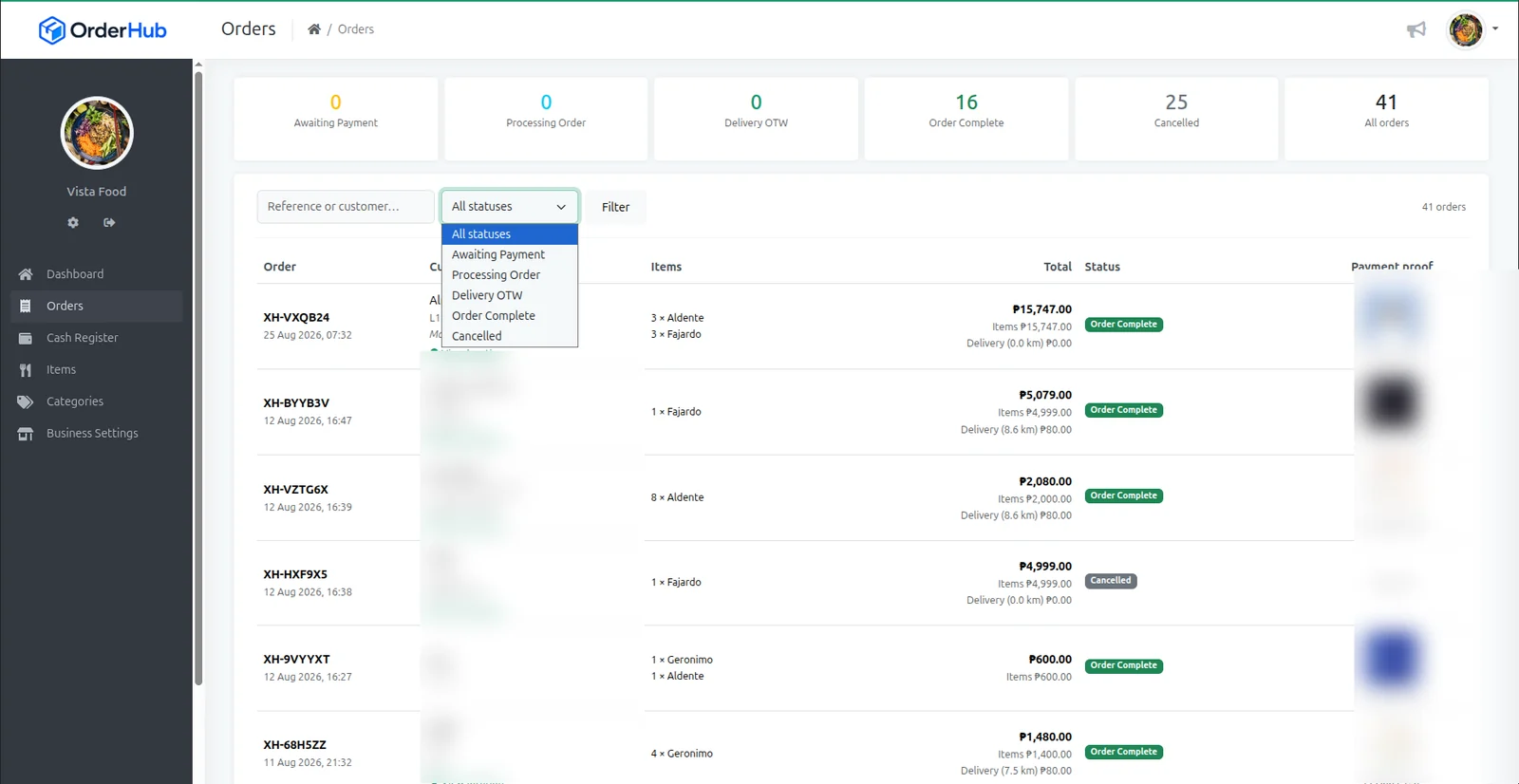
OrderHub consolidates those conversations into orders. A customer places an order through Messenger and it lands in the dashboard as a structured record: a reference, the items, the delivery address, and the landmark a rider will actually need. Nothing has to be copied out of a chat window into a notebook, and nothing is lost when the thread scrolls away.
From there an order moves through states the seller can read at a glance — awaiting payment, processing, out for delivery, complete, cancelled. Proof of payment is attached to the order itself rather than living in a separate folder of screenshots, and every delivery address carries a map link, so the rider is not calling back for directions.
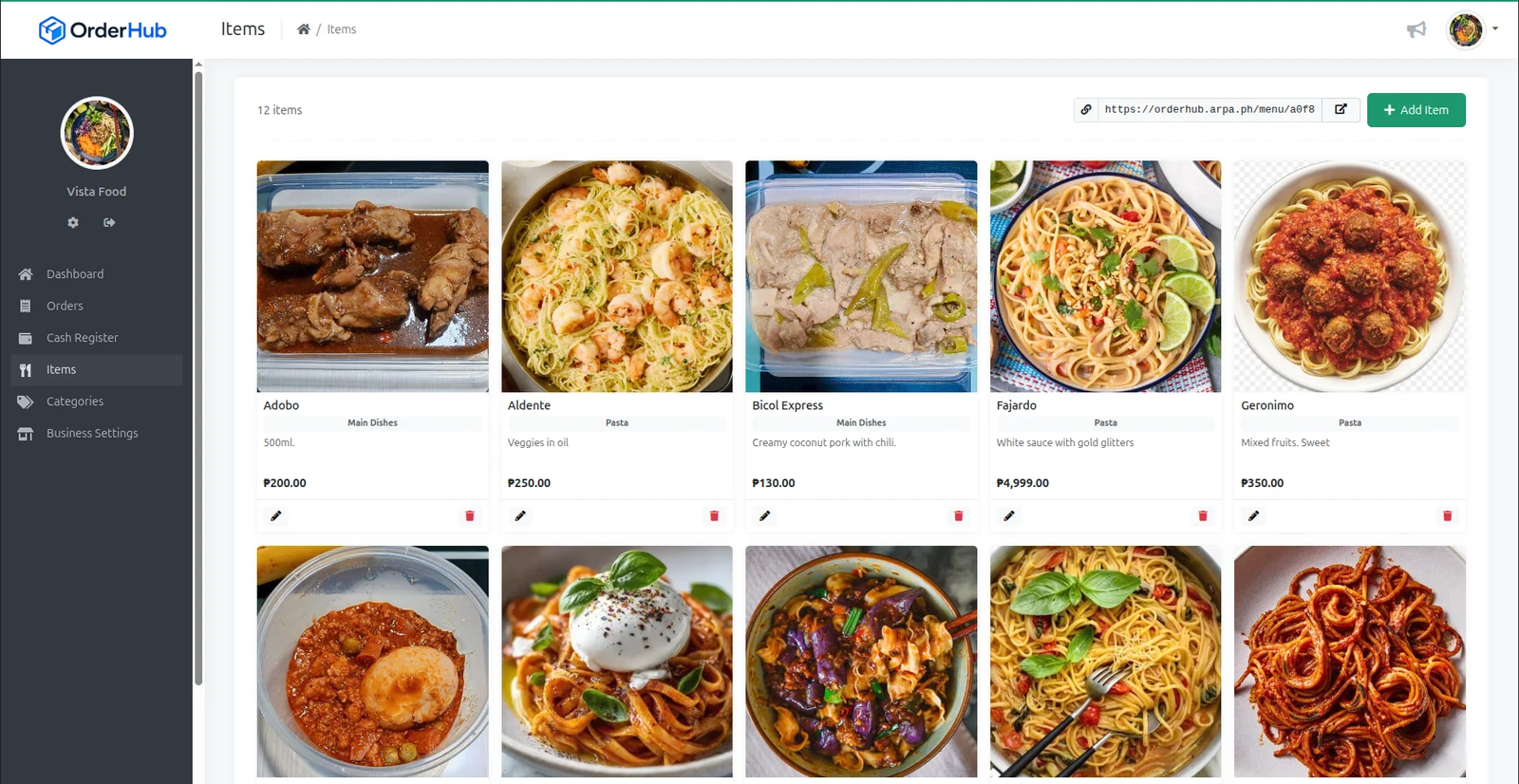
The catalogue works the same way. An item is entered once with a photo, a category, a description and a price, then published as a shareable menu link the seller can drop straight into a conversation or a post. The answer to “what do you have?” becomes a link instead of a retyped list.
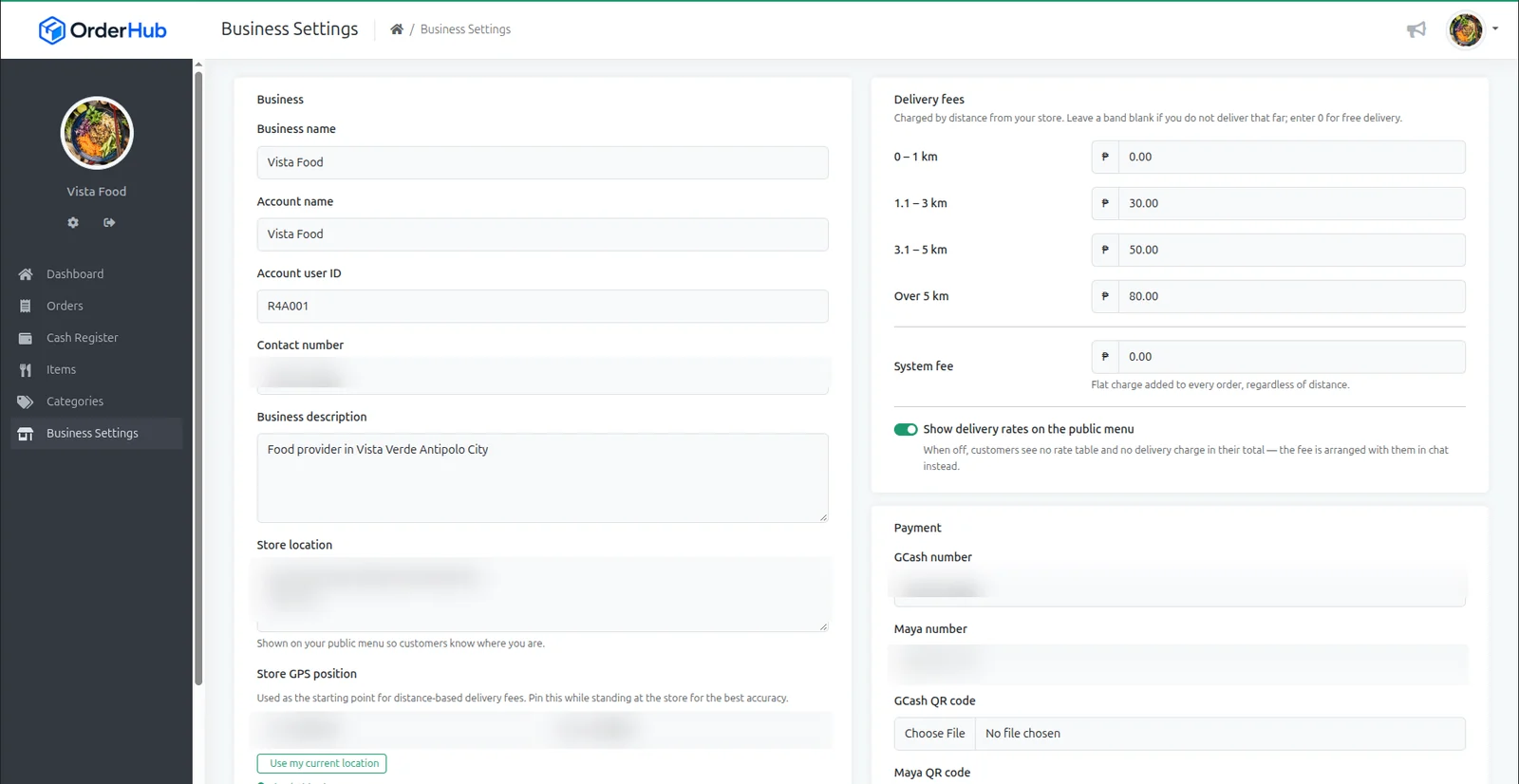
The part most seller tools skip is the money. OrderHub’s cash register reconciles a whole period end to end: item sales, delivery collected, service fees and total takings. Commission is calculated at a fixed rate per order and billed to the seller, never added to the customer’s total. Tax remittance is tracked against the same period, with its remittance status shown.
OrderHub is multi-tenant. Each seller sees only their own orders, items and takings; the operator above them sees the whole network.
THE PLATFORM
What a seller sees